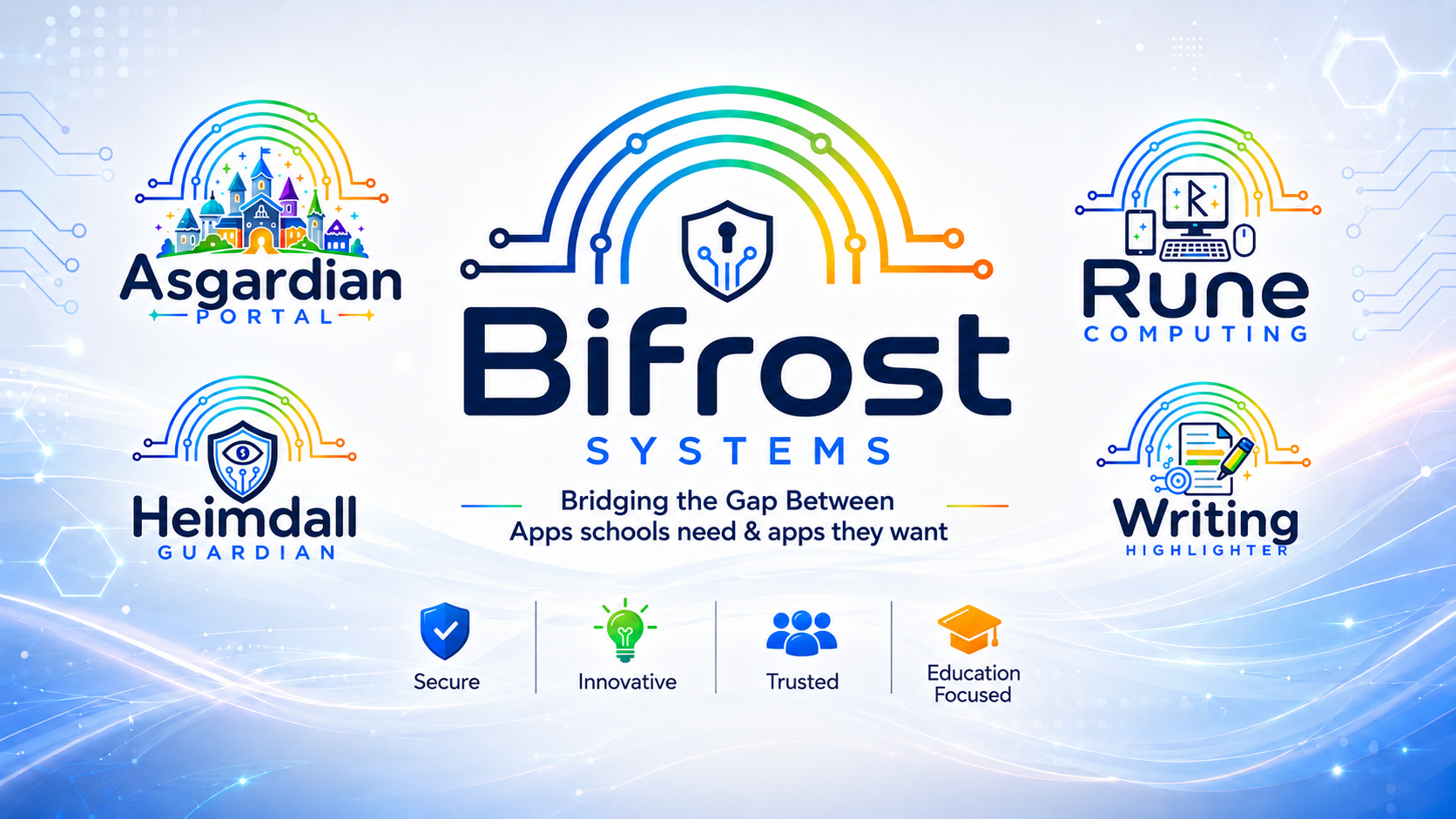
Bifrost Systems was created with one clear aim: to provide practical, affordable and well-designed software for primary schools.
With over 25 years of experience in primary school education, I understand how schools work because I have lived it from many different angles. From midday meal supervisor and attendance officer, to IT technician, computing lead and IT manager, I have seen first-hand the pressures schools face, the systems they rely on and the budgets they are expected to manage.
Over the years, I became increasingly frustrated by the high cost of essential school software. Some systems, such as signing-in and safeguarding software, can cost schools thousands of pounds, despite being tools that are now essential for day-to-day operation. I wanted to create something different: software that gives schools the functionality they need, without the unnecessary cost.
Bifrost Systems develops software specifically for primary schools. Our products are designed to be simple to use, practical in a real school environment and shaped by genuine experience of school life. Where possible, our systems can also make use of used or renewed devices, helping schools reduce costs while supporting a more sustainable approach to technology.
At its heart, Bifrost Systems is about making school technology more accessible, more affordable and more useful. Schools should not have to choose between the systems they need and the budgets they have.
Affordable
Products
Focused
Schools
Our Focus
The Asgardian Portal is a secure digital hub designed specifically for primary schools. It brings together the everyday tools staff and pupils need into one simple, school-friendly platform.
Built from real experience of working in primary education, Asgardian Portal helps reduce scattered spreadsheets, duplicated systems and paper-based processes. It gives staff quick access to key tools, while giving pupils a safe, age-appropriate space to view their own school information.
🏫
Built for Primaries
Designed around real primary school routines
🔐
Secure Access
Different permissions for staff, pupils and admins
✨
Pupil Friendly
A safe space for awards, points and school links
🧰
Staff Tools
Useful systems brought together in one place
Designed to reduce system overload
Asgardian Portal is not trying to replace every school system. It is designed to bring together the useful day-to-day tools that often end up spread across spreadsheets, paper forms, shared drives and separate logins.
🔴 Without Heimdall Guardian
Paper visitor books, handwritten records, separate application forms, manual typing and uncertainty over who is currently on site.
🟢 With Heimdall Guardian
Staff, visitors and pupils can sign in and out from a reception screen, with clear records, badge printing and live fire drill information.
📋 Digital applications included
Replace paper application packs with online forms that collect the information your office would normally send home and type up manually.
Sign-In, Applications & Fire Drill
Heimdall Guardian is a secure reception and front-office system for primary schools. It allows staff, visitors and pupils to sign in and out from a screen in reception, helping schools keep a clear record of who is on site throughout the day.
The system also includes digital application forms and a fire drill app linked with Bromcom attendance data. This means schools can reduce paperwork, cut down on repeated typing and access up-to-date roll-call information when it matters most.
Rune Computing is a full computing curriculum for KS1 and KS2 designed around exciting projects for children. All lessons include video demonstrations of technical aspects of computing. Rune Computing was build with the idea that any teacher, could spend just 10 mins with a lesson plan and still confidently deliver high quality computing lessons. We use a variety of hardware and software to teach computational thinking as well as securing knowledge on how to USE a computer efficiently and safely. We have aligned online safety with the new PSHE curriclum and alongside the integrated online safety skills years 1-4 have one dedicated online safety session per half term and years 5-6 have a dedicated project looking at the things that effect our young learners.
Teachers, no matter their confidence level, can deliver high quality computing lessons using the technical demonstrations included in the lesson material. Children can also access the curriculum from their portal login allowing them to watch the videos in class if you want them too, this allows for independant learning and self paced learning when appropriate.
Touch Typing Mastery
Average 60+ WPM by end of programme
Digital Literacy
Online safety, file management, software skills
Computational Thinking
Algorithms, logic, and problem-solving foundations
Assessment Ready
Reports aligned to National Curriculum attainment
Pupil writing — highlighted
The big old castle stood on the top of the hill. It was very dark and scary.
Automatic grammar highlighting gives pupils instant visual feedback
Product Four
Writing Highlighter is an intelligent writing analysis tool that automatically identifies and colour-codes grammatical structures within pupil writing — making it effortless for teachers to assess, annotate, and give targeted feedback.
Whether used for live editing in the classroom or marking at home, it transforms the way teachers interact with pupil writing and dramatically reduces marking time.
Pricing
All prices are annual school licences. Multi-school and MAT pricing available. Contact us for a tailored quote.
£499
per school / year
£499
per school / year
£299
per school / year
£399
per school / year
Get in Touch
Whether you're looking for a demo, a quote, or just want to learn more about how Bifrost Systems can help your school, we'd love to hear from you.
info@bifrostsystems.co.uk
Location
United Kingdom